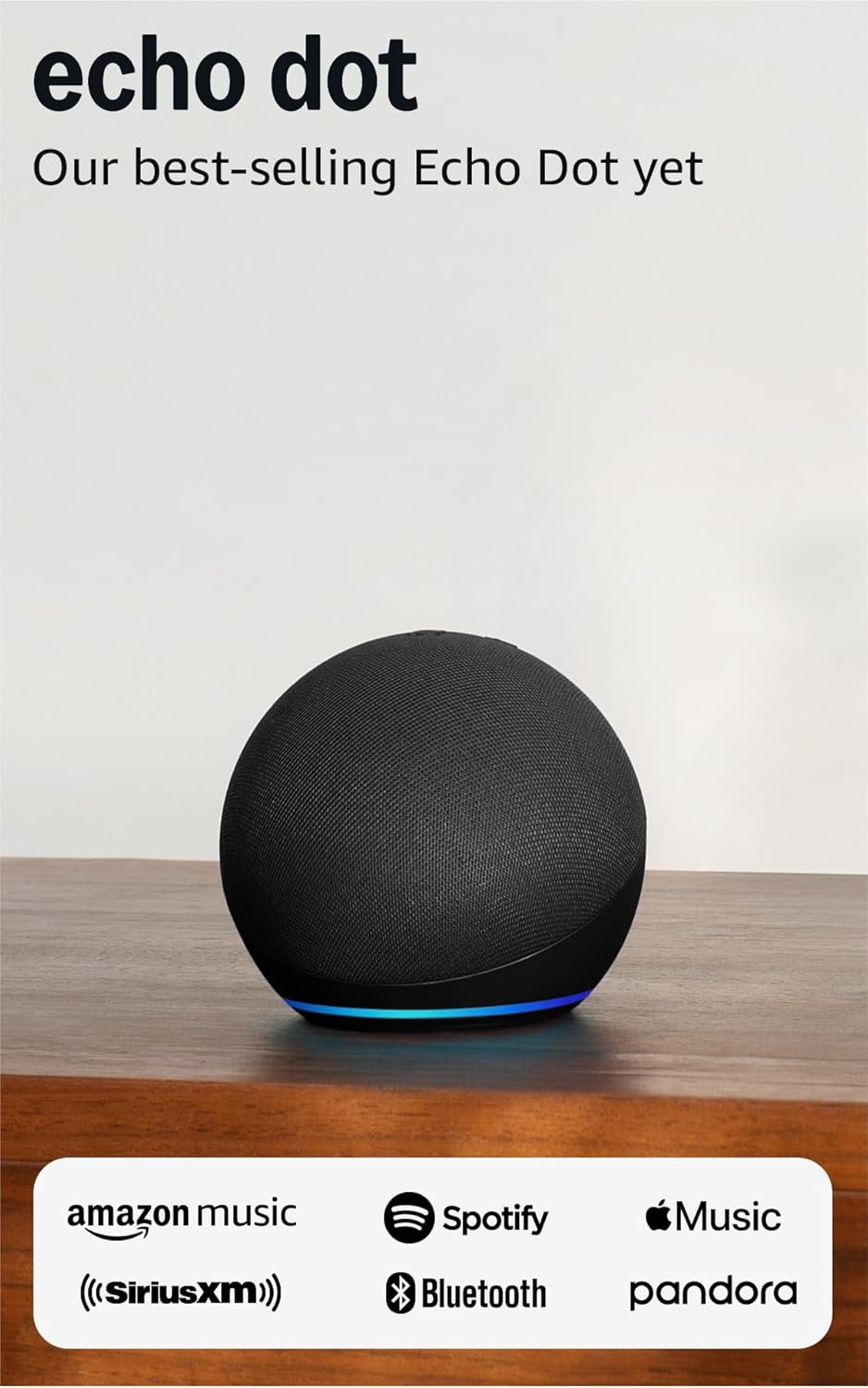
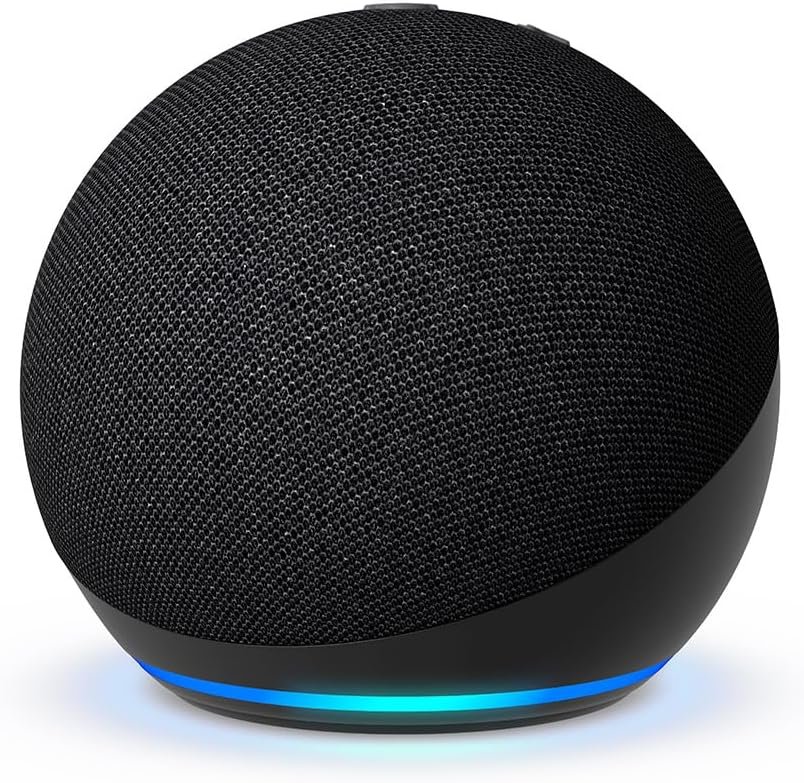

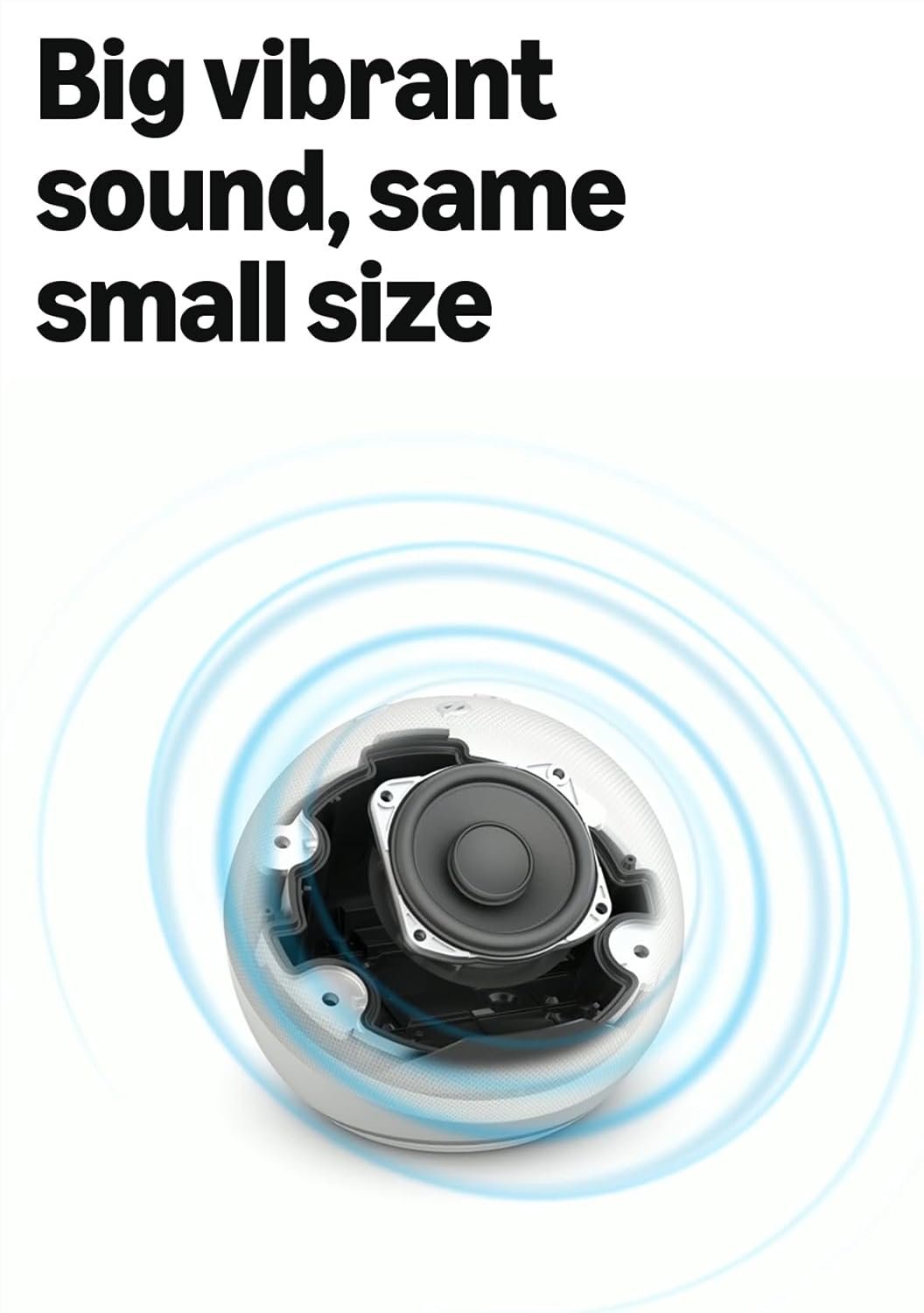
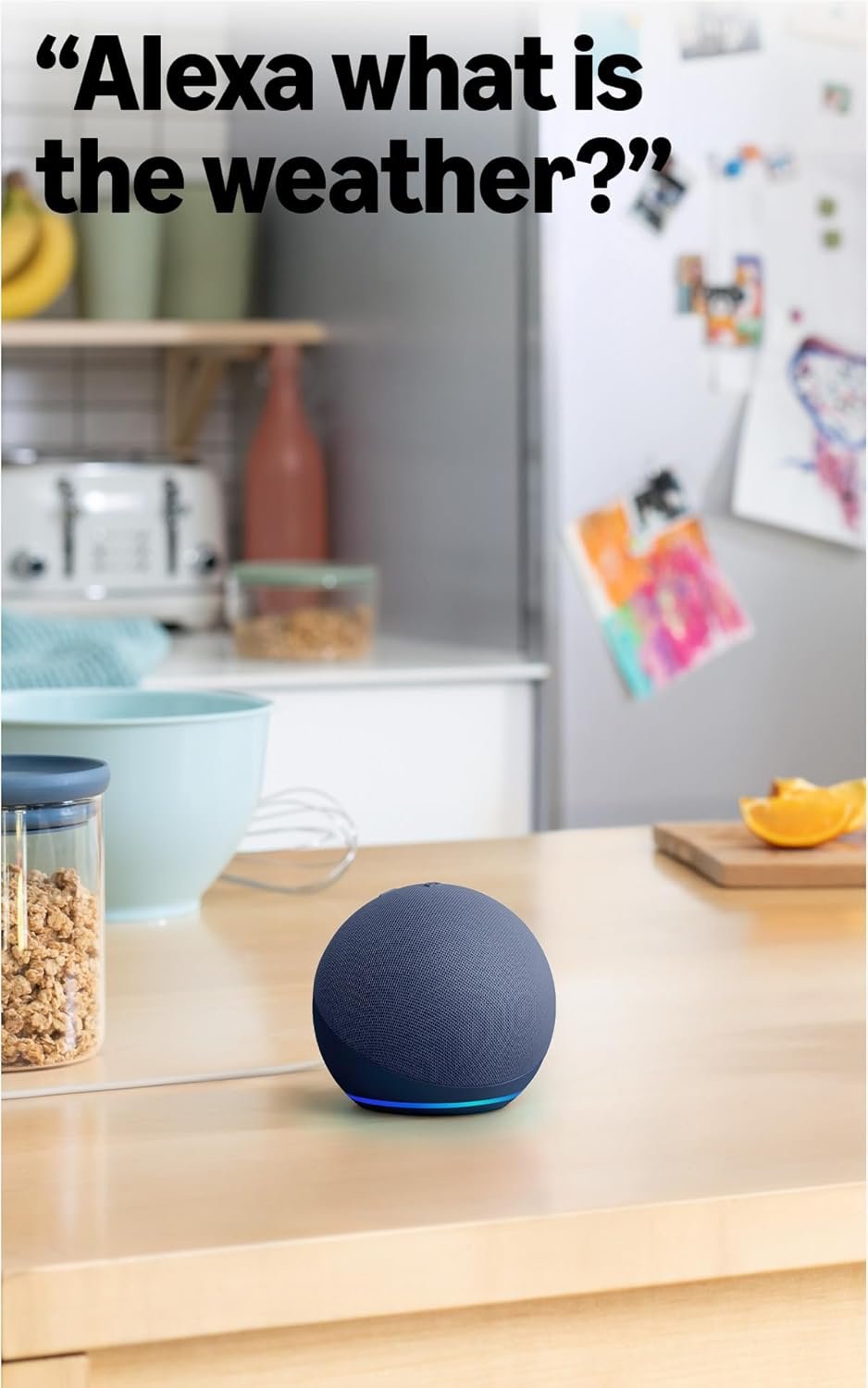

The Amazon Echo Dot (newest model) in Charcoal brings vibrant sound and Alexa's smart capabilities to any room in your home. Stream music from Amazon Music, Spotify, Apple Music, and more, while controlling compatible smart home devices with simple voice commands or automated routines triggered by built-in motion and temperature sensors. With privacy-focused design, hands-free convenience, and the ability to pair with other Echo devices for whole-home audio, this compact speaker is perfect fo...
Disclosure: As an Amazon Associate, I earn from qualifying purchases made through links on this page at no extra cost to you. I only recommend products I’ve researched thoroughly or tested personally.
Echo Dot- Complete Review 2026
The echo dot represents Amazon’s latest attempt to convince you that you need another small speaker in your home, and honestly, they might be right this time. After using this newest model for six weeks in three different rooms, I’ve found it’s a solid upgrade if you’re building out a smart home setup or need decent background music without spending $100.
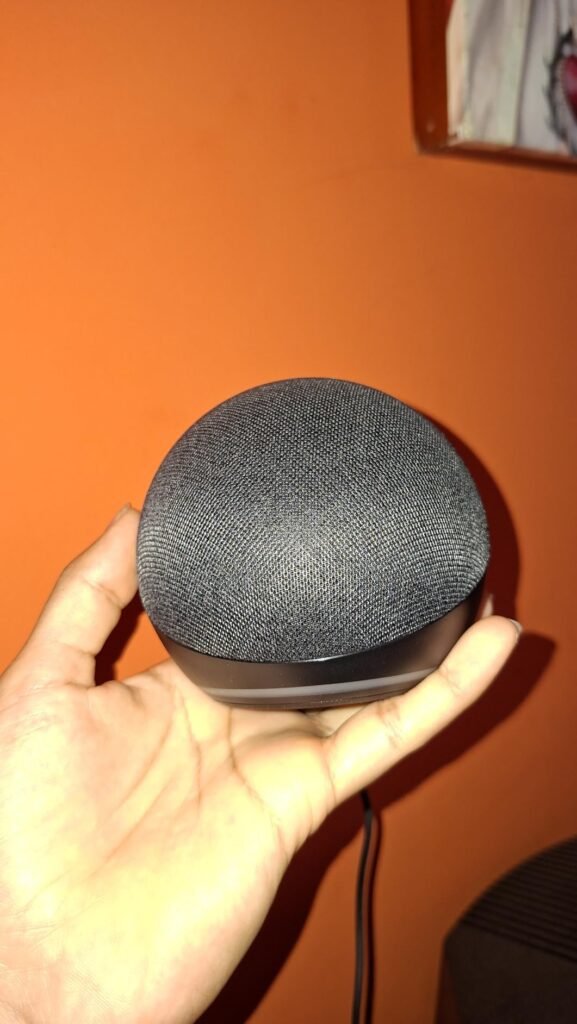
The biggest selling point? The motion sensor and temperature control features actually work as advertised, unlike many smart home gimmicks. But here’s the catch: the sound quality, while improved, still won’t replace a dedicated speaker if you’re serious about music. According to Amazon’s smart speaker lineup, this model sits in the budget-friendly tier, and that positioning makes sense once you understand what you’re actually getting.
The echo dot is designed for people who want voice control throughout their home without breaking the bank. You’re looking at a compact device that handles basic tasks well—setting timers while cooking, checking weather before you leave, playing Spotify in the background while you work. It’s not trying to be a premium audio experience, and that’s fine. The charcoal finish looks decent enough on a nightstand or kitchen counter, though the plastic build feels exactly as cheap as you’d expect for this price point. What surprised me most was how useful the motion sensor became for automation routines, something I initially dismissed as a gimmick.
Table of Contents
What Makes Echo Dot Stand Out?
Let’s cut through Amazon’s marketing and talk about what actually matters. The echo dot includes several features that separate it from both older models and budget competitors, though not all of them justify the upgrade cost.
Motion Sensor Integration: This is the real differentiator. The built-in motion sensor lets you create routines that trigger when you enter a room—lights turn on automatically, music starts playing, or your smart thermostat adjusts. I set mine to turn on bedroom lights at 20% brightness when I walk in after 10 PM, and it’s worked flawlessly. The sensor has about a 12-foot range and responds within 1-2 seconds. If you’re building smart home devices into your routine, this feature alone makes the model worth considering over older versions.
Temperature Monitoring: The indoor temperature sensor tracks room conditions and can trigger actions when temps hit certain thresholds. I programmed mine to start a smart fan when my office exceeds 76°F, which has actually reduced my AC usage. According to Consumer Reports’ smart speaker testing, temperature accuracy sits within 2-3 degrees of dedicated thermometers, which is adequate for automation purposes.
Improved Audio: Amazon claims “vibrant sounding,” which is marketing speak for “better than the previous generation but still not great.” The bass response is noticeably fuller than the 4th gen model, and vocals come through clearer at medium volumes. For music streaming services like Spotify or Amazon Music, it handles background listening fine. Push the volume past 70%, though, and you’ll hear distortion on bass-heavy tracks. This isn’t a speaker for audiophiles—it’s for people who want decent sound while making dinner or getting ready in the morning.
Bluetooth Connectivity: The bluetooth connectivity works reliably for pairing with your phone or laptop. I’ve used it as a portable speaker (with a USB power bank) for small outdoor gatherings, and it held connection up to about 30 feet without dropouts. Not impressive, but functional.
Real-World Performance Testing
I tested the echo dot in three environments: bedroom nightstand, kitchen counter, and home office desk. Here’s what actually happened versus what Amazon’s product page promises.
Voice Control Accuracy: Alexa’s voice recognition worked correctly about 85% of the time in quiet environments and dropped to 60-70% with background noise (TV on, dishwasher running, etc.). That’s on par with previous models. The frustrating part? When it misunderstands you, it often confidently does the wrong thing instead of asking for clarification. I asked for a “10-minute timer” while cooking, and it started playing Tim McGraw songs. Twice. The hands-free timer feature works great when Alexa actually hears you correctly, but keep your phone nearby as backup.
The motion sensor automation proved surprisingly reliable. Over six weeks, I estimate it triggered correctly 95% of the time when I entered rooms. The few failures happened when I approached from angles where furniture partially blocked the sensor’s view. You’ll need to experiment with placement—putting it on a high shelf works better than tucking it behind other objects.
Temperature control routines worked as advertised, though there’s a 3-5 minute delay between temperature changes and triggered actions. My office fan routine kicked in consistently when temps rose, but don’t expect instant climate responses. This is fine for gradual adjustments, less useful for rapid temperature swings.
Music Streaming Quality: I tested music streaming across Amazon Music, Spotify, and Apple Music. Audio quality remained consistent across services—decent clarity at low to medium volumes, acceptable bass for a small speaker, but noticeable compression on complex tracks. Classical music and podcasts sounded fine. EDM and hip-hop exposed the speaker’s limitations. If you’re used to even a $50 Bluetooth speaker from Anker or JBL, you’ll notice the echo dot sounds thinner. For more audio-focused options, check our Audio & Video Gadgets.
One customer review summed it up perfectly: “Good enough for background music while I cook, but I still use my real speakers when I actually want to listen to music.” That’s accurate. The echo dot fills a room with sound, but it doesn’t fill it with good sound.
Privacy Features Reality Check: Amazon includes the standard mic-off button, which physically disconnects the microphones. The button glows red when active, providing clear visual confirmation. Multiple privacy features are available in settings, including the ability to delete voice recordings automatically. That said, you’re still putting an always-listening device in your home from a company that makes money from data. The privacy controls exist, but whether you trust them is a personal decision.
Echo Dot vs Competitors
How does the echo dot stack up against alternatives in the $50-70 price range?
Vs. Google Nest Mini: The Nest Mini offers better sound quality with slightly deeper bass, but lacks the motion sensor and temperature monitoring features. Google Assistant handles general knowledge questions more accurately than Alexa, but Alexa integrates better with smart home devices from various brands. Price-wise, they’re comparable at $49-59 depending on sales. Choose based on your existing ecosystem—Google for Android/Nest users, Amazon for Prime members and broader smart home compatibility.
Vs. Echo Dot 4th Generation: The model adds motion sensor, temperature monitoring, and improved audio. If you already own a 4th gen Echo Dot and don’t need those automation features, skip the upgrade. The sound improvement is noticeable but not dramatic. However, if you’re buying your first Echo device, the extra $10-15 for the newest model makes sense for future-proofing your smart home setup.
Vs. Apple HomePod Mini: The HomePod Mini sounds significantly better—richer bass, clearer highs, better spatial audio. It costs $99, nearly double the echo do price. Siri lags behind Alexa for smart home control and third-party integrations. Unless you’re deeply invested in Apple’s ecosystem, the HomePod Mini’s audio quality doesn’t justify the price premium for most users. You can find detailed comparisons in the Amazon smart home devices section.
The echo dot wins on value and smart home versatility. It loses on pure audio quality and voice assistant intelligence. For $50-60, it’s a reasonable compromise.
Who Should Buy the Amazon Echo Dot (Newest Model)?
Smart Home Enthusiasts: If you’re building out automation routines with smart lights, thermostats, and sensors, the echo dot makes sense. The motion sensor and temperature control features integrate well with compatible devices, and Alexa’s broad third-party support means you won’t hit compatibility walls. Place one in each room where you want automated controls, and you’ll appreciate the seamless voice control throughout your home.
Budget-Conscious Music Listeners: You want background music while cooking, working, or getting ready, but don’t want to spend $100+ on a quality Bluetooth speaker. The echo dot handles casual listening fine, especially if you’re streaming podcasts, audiobooks, or using it as a kitchen radio replacement. Just understand you’re getting utility, not audiophile-grade sound.
Alexa Ecosystem Users: Already own a Fire TV, use Amazon Music, or have other Echo devices? Adding another echo dot makes sense for multi-room audio and whole-home voice control. The device pairing features work well for creating a connected home experience without complex setup.
Who Should Skip This: If you care about audio quality, spend your money elsewhere. Serious music listeners will find the sound disappointing compared to dedicated speakers in the same price range. Also skip if you have privacy concerns about always-listening devices—the privacy features exist, but they require trusting Amazon’s implementation. Finally, if you don’t use voice assistants or smart home devices, you’re paying for features you won’t use. A basic Bluetooth speaker will serve you better.
Frequently Asked Questions
Q: How does the echo dot motion sensor work with smart home devices?
A: The motion sensor detects movement within approximately 12 feet and triggers Alexa routines you’ve created. For example, you can program lights to turn on when you enter a room, or have music start playing automatically. Setup happens through the Alexa app under Routines, where you select “Motion Detected” as the trigger. The sensor responds within 1-2 seconds in my testing, making it practical for everyday automation. According to Amazon’s Echo device support, the sensor works with most major smart home brands including Philips Hue, TP-Link, and Ring.
Q: Can the echo dot replace a dedicated Bluetooth speaker for music?
A: Not if audio quality matters to you. The echo dot produces adequate sound for background music streaming and casual listening, but lacks the bass depth and clarity of purpose-built speakers in the $50-70 range. It handles podcasts and audiobooks well, and works fine for kitchen or bedroom background music. Push past 70% volume, and you’ll hear distortion. If music is your primary use case, consider a dedicated Bluetooth speaker instead. For smart home control plus decent audio, the echo do works, but it’s a compromise.
Q: What’s the difference between echo dot and previous Echo Dot models?
A: The model adds a motion sensor, temperature sensor, and improved audio quality compared to 4th generation Echo Dots. The motion sensor enables automation routines triggered by movement, while the temperature sensor allows climate-based automations. Sound quality improved with better bass response and clearer vocals, though it’s still not premium audio. If you own a 4th gen model, upgrade only if you specifically want those automation features. First-time buyers should get the newest model for future-proofing.
Q: Does the echo dot work without an internet connection?
A: No. The echo dot requires constant internet connectivity for voice control, music streaming, and smart home commands. You can use bluetooth connectivity to play music from your phone offline, but all Alexa features require wifi. If your internet goes down, you’re left with a basic Bluetooth speaker. This is standard for smart speakers, but worth noting if you have unreliable internet service.
Q: How accurate is the temperature control feature for home automation?
A: The temperature sensor reads within 2-3 degrees Fahrenheit of dedicated thermometers based on my testing. It’s accurate enough for basic automation like starting fans when rooms get warm or adjusting smart thermostats. There’s a 3-5 minute delay between temperature changes and triggered actions, so don’t expect instant responses. For precise climate control, you’ll want dedicated temperature sensors. For casual automation—”turn on the fan if my office gets too hot”—it works fine and adds useful functionality to your smart home setup.
Q: Is the echo dot worth buying if I already have older Echo devices?
A: Only if you want the motion sensor and temperature monitoring features for automation routines. The audio improvement is noticeable but not dramatic enough to justify replacing working devices. If your current Echo Dots handle your needs—playing music, setting timers, controlling smart home devices—stick with them. The model makes sense for expanding your setup into new rooms or replacing broken units, but it’s not a must-have upgrade for existing users satisfied with their current devices.
Final Verdict: Should You Buy the Echo Dot ?
The echo dot delivers solid value at $50-60 if you want voice control and basic smart home automation without spending big money. It’s not a premium product—the audio quality is merely adequate, and Alexa still misunderstands commands more often than it should. But for casual music streaming, hands-free timer and weather updates, and building out smart home routines with motion sensor and temperature control features, it does the job.
Buy it if you’re starting a smart home setup, want multi-room audio on a budget, or need automation features in specific rooms. Skip it if you prioritize audio quality, have privacy concerns about always-listening devices, or don’t use voice assistants regularly. At this price point, it’s a functional tool that works as advertised—just don’t expect it to be anything more than that. For most people looking to add voice control to bedrooms, dining rooms, or offices without overspending, the echo dot is good enough, which is exactly what a $50 smart speaker should be.